
You are in good company
We handle more than 700 million annual newsletter deliveries for our users. These are some of the companies that choose to use Make.







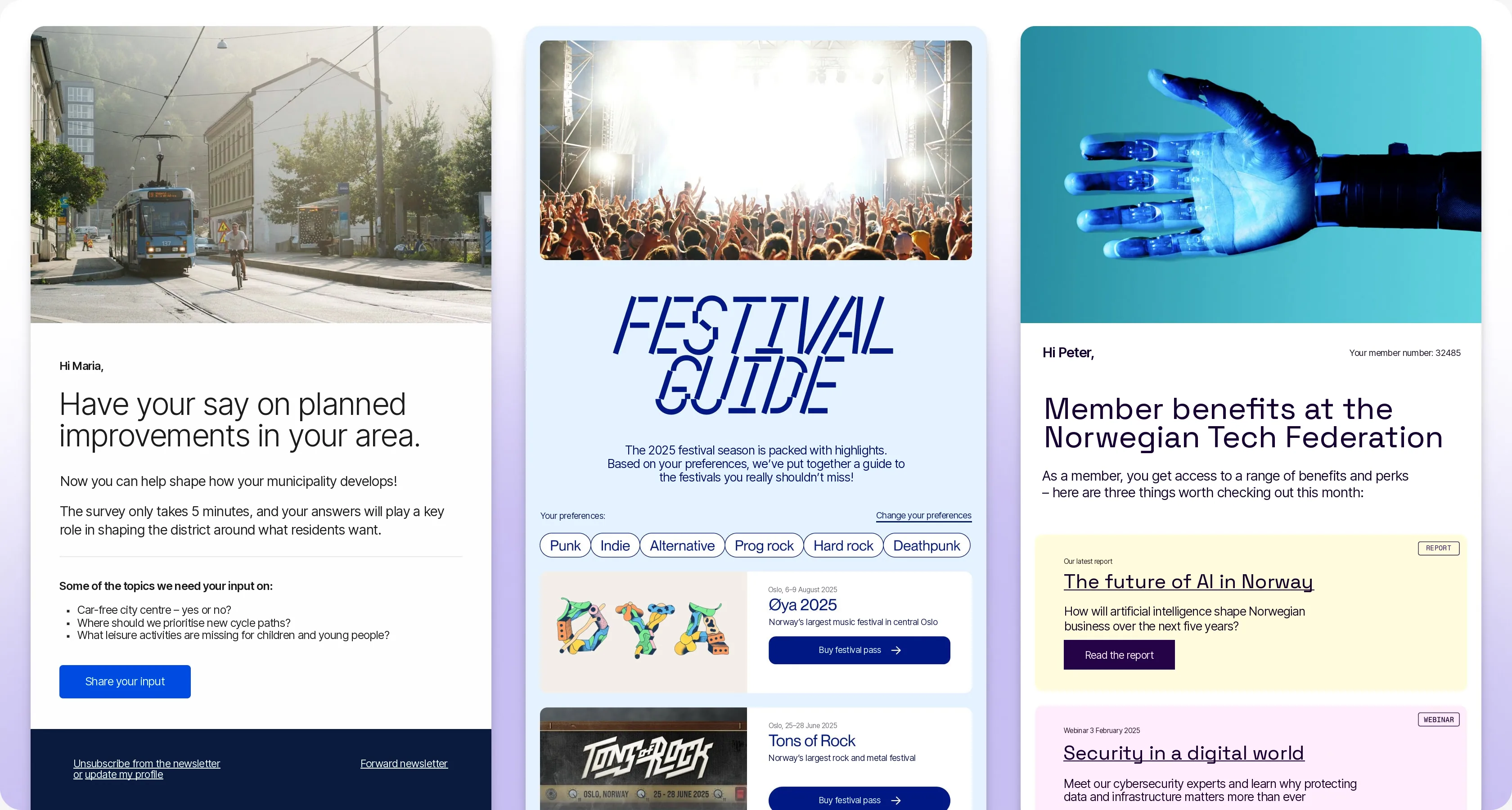
Newsletters, done better
Everything you need to create and deliver newsletters that reach the inbox, every time.

Market-leading delivery rate
We manually approve all accounts to ensure our servers are only used by reputable senders. This helps maintain a stronger reputation with Norwegian ISPs, delivering up to 10% higher delivery rates than other providers.

Made in Norway
We are proud to have been awarded Norway's official trademark of origin, Made in Norway. This trademark confirms that our service meets the established criteria for Norwegian origin.

English, Danish and Norwegian
We view support as being just as important as ensuring your emails reach the inbox. With an average chat response time of under one minute, we are confident that no one in our industry delivers better support.
Features
Features that simplify your workday
All the features you need, in one place.

Send newsletter
Make makes it easy to set up, send, and measure the impact of your newsletters.

Send SMS
Do you need to deliver an important message right away? With Make, you can send tens of thousands of messages in just a few minutes.

Create segments
Segments allow you to send the right message to the right contact at the right time.

Automate and save time.
Set up automated workflows to reach the right contacts at the perfect time.
Integrations
Avoid technical work.
We will handle the integration
With over 50 pre-built integrations with Norwegian and international systems, we likely already support your system.






Insights that improve your newsletters
Track the performance of your newsletters, see which contacts are engaging, and identify key ways to improve your results next time.

Dashboard
Get an instant overview of active campaigns and the results from your latest newsletter as soon as you log in. With customizable cards, you can choose which metrics are most important for you to track.
Newsletter statistics
Analyze every campaign in detail, from delivery and open rates to clicks and unsubscribes. Track which links are clicked, when, and from which devices. Over time, you will identify trends and the best times to send.
Contact insight
Track each contact over time: monitor their activity levels, what they open, and when they last read or clicked a link in a newsletter. Segment your audience based on contact activity and monitor the growth of your database.

How do I get started with Make?
What do I need to do before sending my first newsletter?
Which tracking method does Make use?
Which integrations does Make support?
Does Make have an API?
Where can I get assistance if I need help?