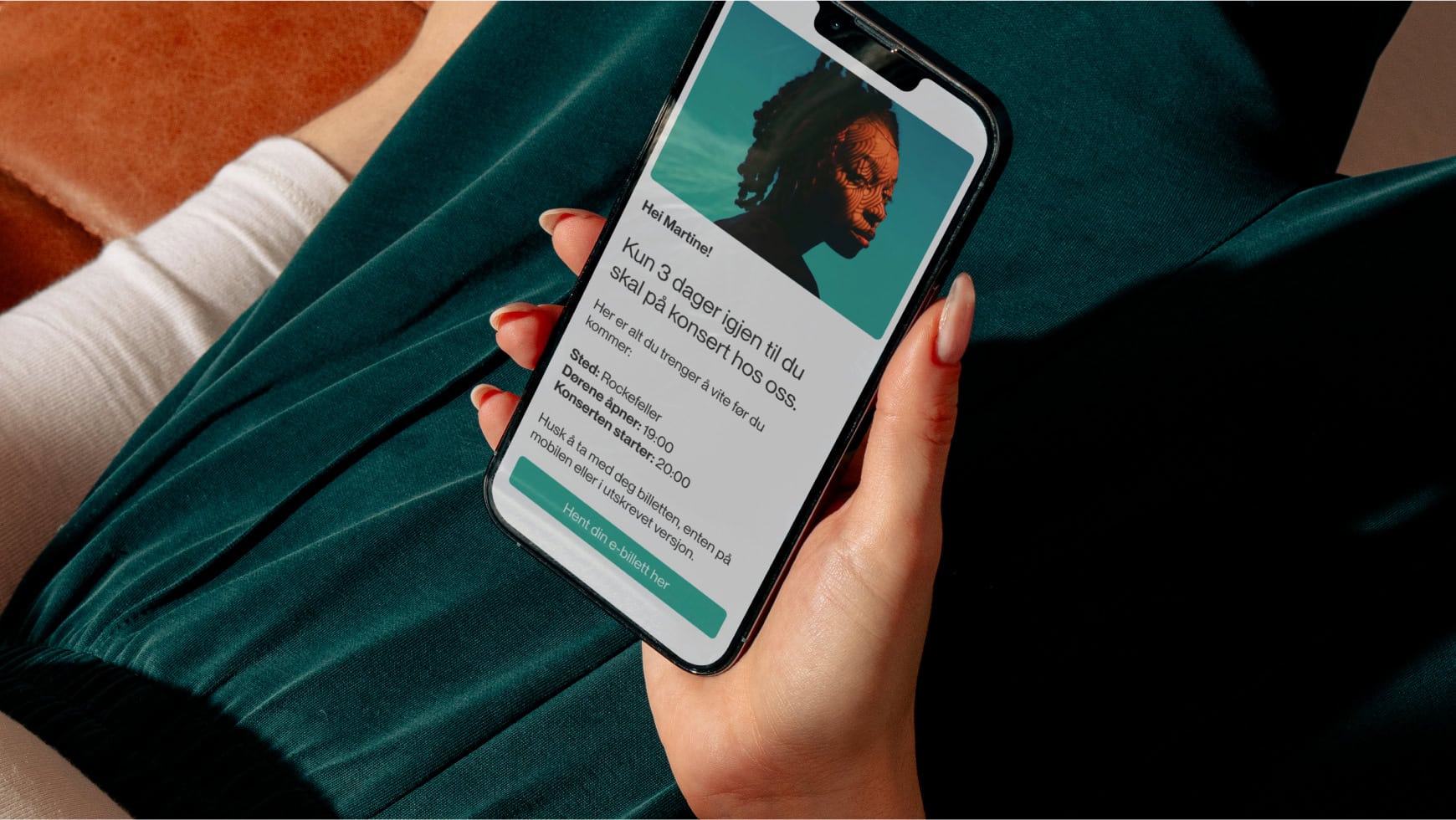
The volume of information is immense, and generic emails get lost in the inbox. Attractive design alone is not enough; recipients expect relevance.
So how do you capture attention and make your message personal?
In this article, we show you how to use the tools in Make to personalise your emails, making your communication more targeted and effective.
1. No personalisation without data: how to build the foundation
You cannot tailor content to recipients without knowing something about them. Data is the foundation of personalised campaigns.
2. Segmentation: The key to relevant communication
Once you have data, you can start creating segments: groups of recipients who share something in common. Segments in Make update automatically based on rules you set up.
3. Automate the customer journey: build relationships without manual work
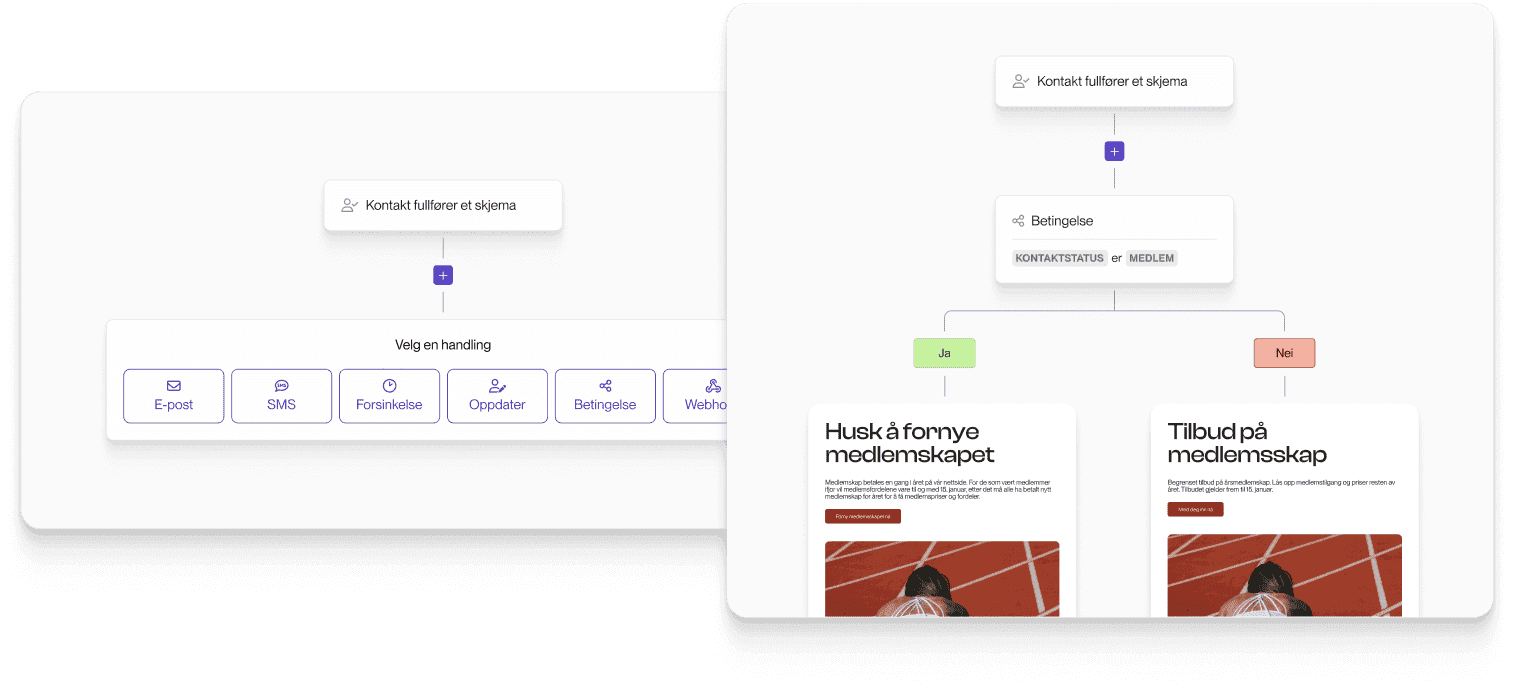
Once your data foundation and segmentation are in place, you can automate the entire customer journey. You design the flow once, and the emails are sent automatically at the right time.
4. Dynamic content: Personalisation without duplication
Does creating more segments mean more work because you have to design a newsletter for each segment?
No. This is where the magic happens: with dynamic content, you can send a single email that automatically adapts to different recipients based on who they are and what you know about them.
The result is more relevant communication without the extra manual work.
Summary: From mass mailings to targeted dialogue
Data collection provides insights about the recipient. Segmentation ensures the right target groups. Automation delivers at the right time. Dynamic content ensures relevant message delivery.
By combining these four elements, you move from mass communication to genuine dialogue. You build relationships, improve results, and save time in the process.