What is transactional email?
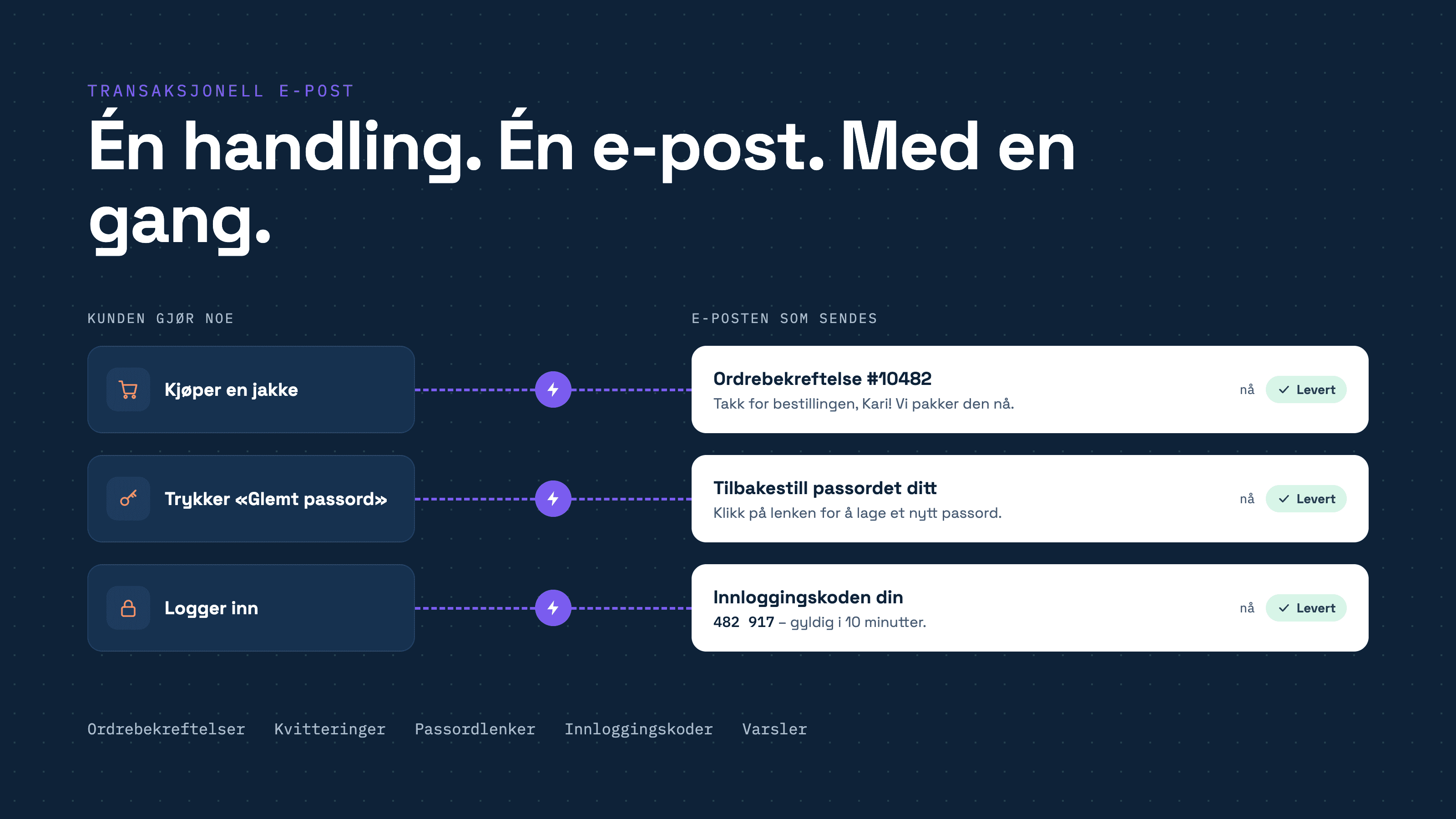
In short Transactional email refers to automated messages sent to an individual recipient triggered by a specific action, such as purchasing an item, creating an account, or requesting a password reset. Typical examples include order confirmations, receipts, password reset links, login codes, and notifications. Recipients expect them, so they must arrive quickly and reliably. This requires proper domain configuration and a sender with a strong reputation.
You have likely received several today already: an online store receipt, a login code, or a shipment notification. None of these are marketing newsletters, yet they are among the most critical emails a business sends.
Here is an overview of what transactional email is, how it differs from newsletters, and what is required to ensure reliable delivery.
What is transactional email?
A transactional email has three main characteristics:
It is triggered by an action. The recipient has performed an action, or an event has occurred regarding their account or order.
It is sent to one person. The content is specific to that individual recipient.
It is expected. The recipient is waiting for it, often needing it to proceed.
Examples of transactional email
Category | Examples |
|---|---|
Account and authentication | Email verification, welcome messages, password resets, login codes, new sign-in alerts |
Purchases and billing | Order confirmations, receipts, invoices, payment reminders, refund confirmations |
Shipping and bookings | Shipping updates, pickup notifications, tickets, appointment or reservation confirmations |
Subscriptions and memberships | Subscription confirmations, renewal notices, trial expiration alerts |
System alerts | Policy updates, new portal messages, status updates, service notices |
Transactional email vs. marketing email
Transactional email | Marketing and newsletters | |
|---|---|---|
Trigger | An action taken by the recipient | The sender, according to their schedule |
Recipients | One individual at a time | Many recipients simultaneously, typically a list or segment |
Purpose | Deliver necessary information to the recipient | Build relationships, broadcast information, or generate sales |
Time-sensitive | Typically yes; a login code must arrive immediately | Rarely |
Unsubscribe | Recipients generally cannot opt out | Recipients must always have an opt-out option |
Grey areas
The boundary is not always clear. An order confirmation that includes a promotional offer, or a welcome email focused primarily on selling, can quickly be classified as marketing.
As a general rule, consider the primary purpose. If it provides information about an action the recipient took, it is transactional. If the goal is to drive additional purchases, it is marketing. In the latter case, marketing regulations apply, including requirements for consent or an established customer relationship.
If you are uncertain, consult legal counsel. It is also best practice to keep promotional content out of purely transactional emails.
Ensuring transactional email delivery
An order confirmation delivered to the spam folder results in support tickets. A login code that takes ten minutes to arrive leads to abandoned sessions. That is why deliverability is more critical for transactional emails than for almost any other type of email.
Four key factors determine whether emails reach the inbox:
Proper domain setup. SPF, DKIM, and DMARC indicate to providers like Gmail and Outlook that you are authorized to send from your domain. Without them, emails are easily rejected or marked as spam. Learn more in our article on email security.
Sender reputation. Mailbox providers evaluate the historical performance of the sending server and domain. A new server without history is treated with caution, regardless of the content. Read about domain warm-up.
Managing bounces and complaints. Repeatedly sending to invalid addresses or users who flag spam damages sender reputation. Learn more about bounces.
Fast delivery during peak traffic. During high-volume periods, emails must go out without queue delays.
Tip: Send transactional emails from a dedicated subdomain, such as send.example.com. This separates them from marketing campaigns and protects regular corporate email on your primary domain from deliverability issues like blocklists.
Methods for sending transactional email
In practice, there are three options:
Option | Advantages | Disadvantages |
|---|---|---|
In-house mail server | Complete control | Requires building reputation from scratch, continuous monitoring, updates, and bounce handling around the clock |
Web host email | Often included by default | Designed for standard personal email, usually with low sending volume limits |
Dedicated transactional email service | Established reputation, built-in monitoring, and automated bounce handling | Incurs a monthly or annual subscription fee |
For most businesses, a dedicated service is the most reliable approach. This is the exact role Make Sender is built to fulfill.
Make Sender: API or SMTP
Make Sender delivers transactional email from Norwegian servers, with data hosted in Oslo and local Norwegian support. You can connect using two methods:
Make Sender SMTP | Make Sender API | |
|---|---|---|
Best for | E-commerce platforms, CMS solutions, and business applications that already include an SMTP server configuration field | Developers building email functionality directly into custom applications or services |
Configuration | Enter server, port, username, and password into your platform | Integrate using a REST API |
Developer required? | Usually not | Yes, for the initial integration |
Make templates | Yes | Yes |
Programmatic list and suppression management | No | Yes |
Analytics and webhooks | Yes | Yes |
Learn more |
Both options use the same delivery infrastructure, providing the same high deliverability and performance metrics regardless of which method you choose.
Case study: NRK
NRK sends more than 2.5 million transactional emails annually using Make, including password reset notices, magic login links, and terms-of-service updates. Messages must be delivered immediately, even during peak loads such as the national Eurovision broadcast. Keeping data stored and processed within Norway was also a decisive requirement for NRK. Read the full NRK case study.
Getting started with Make Sender
Choose SMTP or API. If your system includes a field for an SMTP server, SMTP is the fastest route. If you are developing custom software, the API offers the most flexibility.
Select a plan based on your expected monthly email volume. Make Sender is available on all paid tiers.
Configure a subdomain and apply the DNS records provided by Make.
Connect your system and send a test email.
Our team is available to assist with setup, including DNS configuration.
Which option fits your requirements? Read more about the two integration methods for transactional email.
Frequently asked questions
What is transactional email?
Transactional emails are automated messages sent to a single recipient triggered by a specific action, such as purchasing an item, creating an account, or requesting a password reset.
What are common examples of transactional emails?
Order confirmations, receipts, invoices, password resets, login codes, shipping alerts, tickets, and policy change notices.
What is the difference between transactional emails and newsletters?
Transactional emails are triggered by individual recipient actions and sent one at a time. Newsletters are scheduled by the sender and sent to broad recipient lists, usually to broadcast announcements or drive sales.
Do I need consent to send transactional emails?
Purely transactional emails are not marketing, so they generally do not require marketing consent. If you add promotional material, the message may be classified as marketing, subjecting it to marketing regulations. If in doubt, consult legal counsel.
Why are my order confirmations ending up in the spam folder?
The most common causes are missing SPF, DKIM, or DMARC authentication records, a sending server with limited or poor historical reputation, or high bounce rates from invalid recipient addresses.
Can I use my standard web hosting provider to send transactional email?
This is generally not recommended. Shared hosting email services are designed for standard business correspondence and typically enforce strict sending volume limits.
What is the difference between the Make Sender API and Make Sender SMTP?
SMTP integrates directly into applications that already support SMTP settings, often without needing development work. The API is used by developers to embed email functionality directly into proprietary software with finer programmatic control. Both run on the same Norwegian infrastructure.